

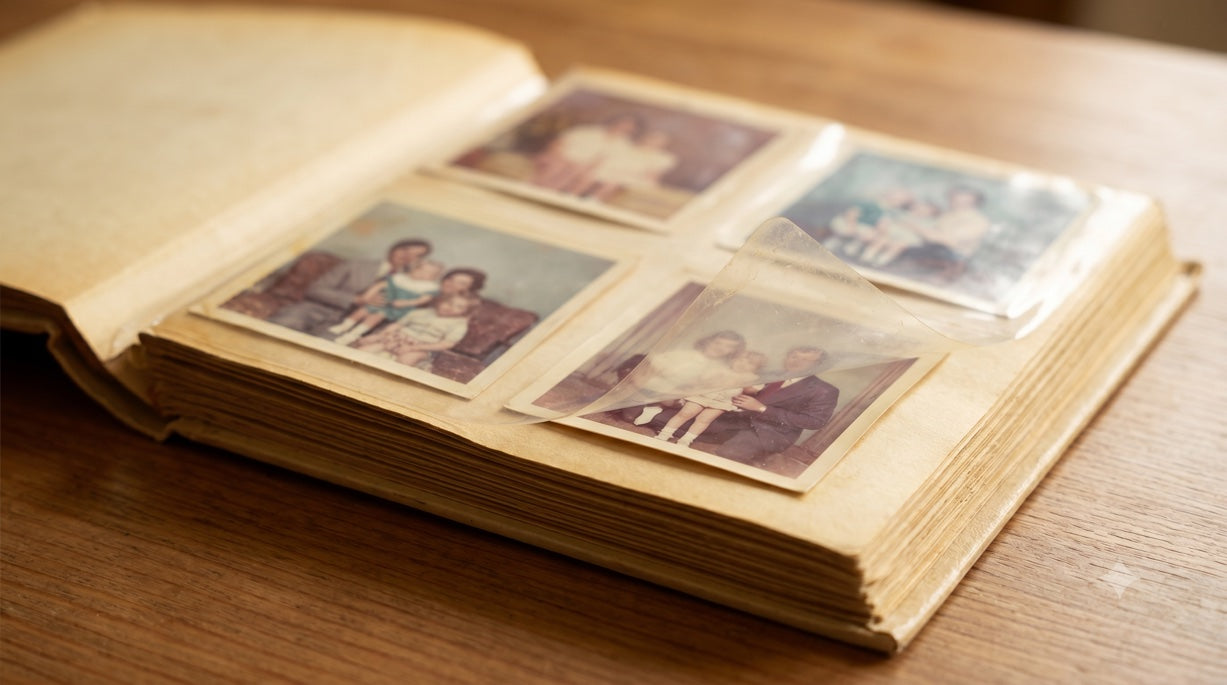
You finally pulled the old albums down from the closet shelf. The plastic is yellowing, a few pages are stuck together, and your first instinct is to peel each photo out and run it through a scanner. Stop right there.
Pulling the photos out is the most common way people accidentally ruin the very memories they're trying to save. So before you lift a single corner, here's what really happens to old albums — and three safe ways to scan old albums without wrecking a single one.
Short on time? You can skip the how-to and mail your albums to us — we scan them by hand, cover shipping both ways for free, and can even load the photos onto a digital frame when we’re done. Otherwise, here are your three options.
First, a warning: don't rip the photos out
Old albums are fragile in ways that aren't obvious until it's too late.
- The glue gets worse with age: The sticky "magnetic" albums from the 1970s and 80s used a glue that turns acidic and slowly bonds the photo to the page — the longer it sits, the harder it grips.
- The photo tears, not the glue: Peel a photo off and it usually rips before the glue lets go, leaving a torn picture or curled corner. The clear plastic covers on newer albums cling to the photo front too, so those aren't safe to yank either.
- Putting them back is a nightmare: Even if they come out intact, refiling every photo in its original family order is hours of fiddly work — and that arrangement is usually lost for good.
The folks who preserve old photos for a living have a simple rule: if an album is more than about 60 years old, just leave the photos where they are. By then the damage is already done, and getting them out without harming them is nearly impossible.
The better way: scan the page, not the photo
The trick is to do the opposite of what most people try. Instead of taking the album apart, you take a picture of each page just as it is — then let a computer neatly cut out each photo for you.
You get the best of both worlds: a nice clean copy of every photo, plus all the little handwritten notes and dates that made the album special in the first place — and the originals never move. Here are three ways to do it, from cheapest to easiest.
(Got a shoebox of loose photos instead of albums? That's a little different — here's our companion guide, How to Scan Old Photos: 3 Methods Honestly Compared.)
Option 1: Use an app on your phone
Phone apps are surprisingly good for albums, because you don't have to bend the book at all — you just hold your phone over an open page and snap it. Two are worth knowing:
- Photomyne is the best one for albums. It can photograph a whole page at once, find the three or four pictures on it, and save each one separately — all by itself.
- Google PhotoScan is great when shiny plastic causes glare. It takes a few shots from slightly different angles and blends them so the shine disappears. And it's free.
One quick tip: with a phone, lighting is everything. Scan near a window on a cloudy day, and keep the album out from under a lamp that's directly overhead — that overhead light is what causes most of the glare and shadows.

- It's cheap (often free)
- Your album stays in one piece
- Slow going if you have lots of thick albums
- Not as sharp as a professional scan
- If the app shuts down, your photos can get stuck in it
Best for: one album, or a handful of favorites you'd like to do yourself this weekend.
Option 2: Let a photo album scanning service do it
Can a company really scan a whole album without taking the photos out? Yes — though not all of them will. Some make you remove the photos first. The good ones scan each page just as it is and pull out the individual pictures for you, and they usually charge by the page.

Shipping. Photo albums are heavy. A box of five thick albums can be surprisingly pricey to mail — and a lot of companies quietly make you pay to ship them in, on top of the scanning cost.
That's where PhotoSpring is different. Our album scanning starts at $59 and includes free shipping both ways — we send you a prepaid, insured label to mail your albums in, and we cover getting them safely back home. On top of that:
- Beautiful, sharp scans (a crisp 600 DPI): clear enough to zoom right in or make bigger prints down the road.
- Your photos never leave the album: we scan each page by hand and pull out the pictures on the computer, so fragile photos stay put.
- Back to you quickly: our team in California gets your albums home in about 10 business days — much faster than most.
- Safe the whole way: your originals come home tracked and insured, and you get a free online link to look at, download, and share your photos for 120 days.
Not happy? We'll rescan them free or give you your money back. After 15 years and millions of photos, we treat every album like it's our own family's.
Best for: whole collections, fragile or stuck-down albums, and anyone who'd rather not spend hours holding a phone over page after page.
Option 3: Buy a scanner and do it yourself
Thinking about buying a scanner and doing it all yourself? Here's what to know first.
A regular flatbed scanner — the kind built into a printer — is the wrong tool for albums. You'd have to press the open book face-down on the glass, which can crack the spine, and since the pages won't lie flat, the edges come out blurry.
To scan an album without taking it apart, you need a special overhead scanner — one that sits above the album and looks down (brands like CZUR, Fujitsu, and Plustek make them). It smooths out the curve of the page and removes glare for you.

A decent one runs anywhere from about $300 to well over $600, and the professional ones cost thousands. And there's software to learn on top of that.
Unless you've got a whole library of albums to get through, buying one of these for a one-time family project just isn't worth the money or the bother.
Best for: a giant collection you'll keep adding to, or anyone who simply enjoys a hands-on project.
Scanning old photo albums: a quick side-by-side
| How you do it | Safe for your album? | Effort Level | Picture quality | Shipping |
|---|---|---|---|---|
| Phone app | Yes | High | Okay | — |
| Scanning service (PhotoSpring) | Yes — photos stay put | Low — just pack & mail | Excellent | Free both ways |
| Buy a scanner | Yes | High | Very good | — |
So which way to scan your album is right for you?
Just a few favorites, and you want to save money? Grab a free app like Photomyne or Google PhotoScan.
Got a huge, never-ending pile? Only then is buying a scanner really worth it.
A whole collection, fragile albums, or you just want it done right with no fuss? A scanning service is the easy winner — and with free shipping both ways, it costs less than you'd think.
Common questions about scanning old photo albums
Should I remove the photos from an old album before scanning?
Usually no. Old album glue turns acidic and grips hard, so pulling photos out often tears them. The safer way is to scan each album page as it is and crop out the individual photos digitally.
Can you scan a photo album without taking the photos out?
Yes. An overhead scanner or a mail-in service like PhotoSpring photographs each page from above and extracts the individual photos on a computer, so the prints never leave the album.
How much does it cost to scan an old photo album?
Professional album scanning is usually priced by the page rather than per photo. PhotoSpring also includes free, insured two-way shipping, which matters because albums are heavy to mail.
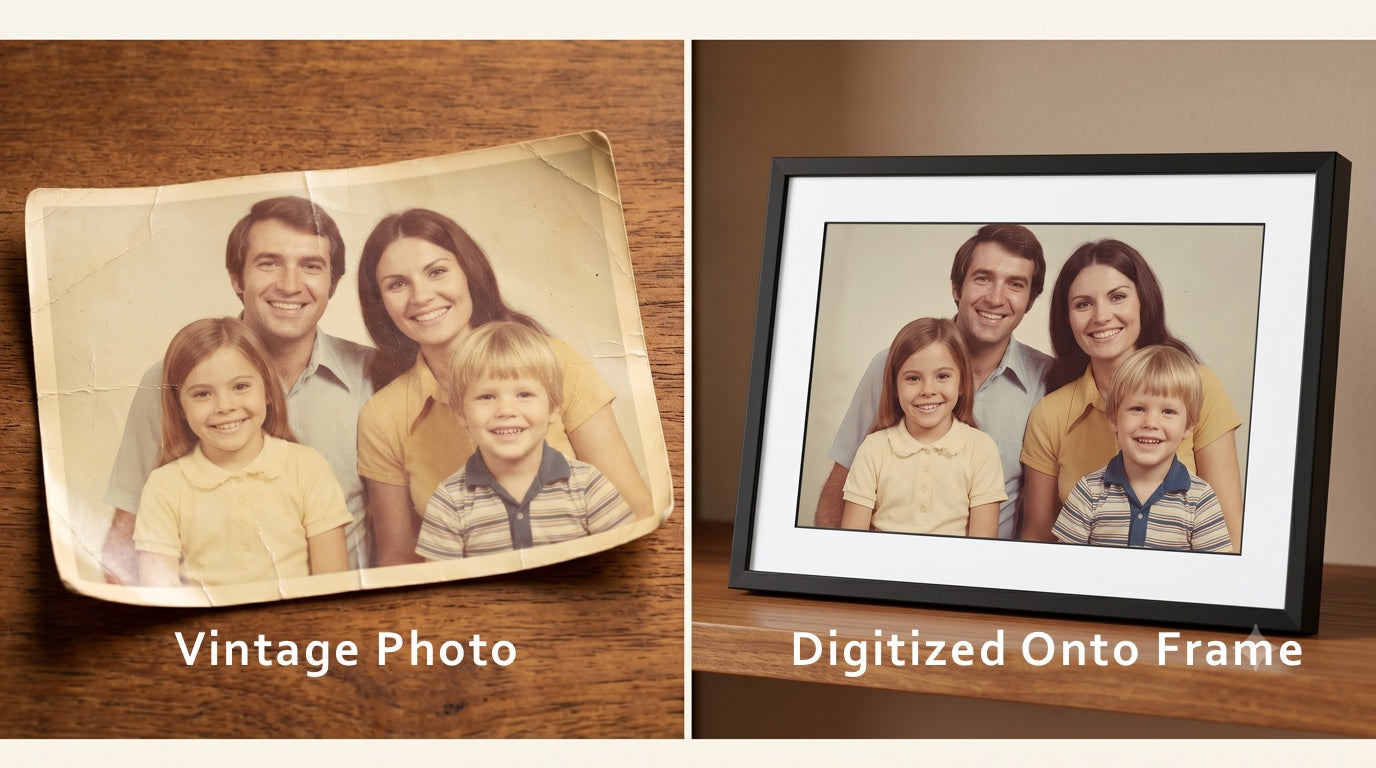
Here's the loveliest part. Once your album is scanned, we can put those photos right onto a PhotoSpring digital frame. The album that's been tucked in a closet for thirty years suddenly comes to life on your mantel, gently rotating through every memory — instead of sitting in the dark, slowly fading.


Leave a comment
This site is protected by hCaptcha and the hCaptcha Privacy Policy and Terms of Service apply.